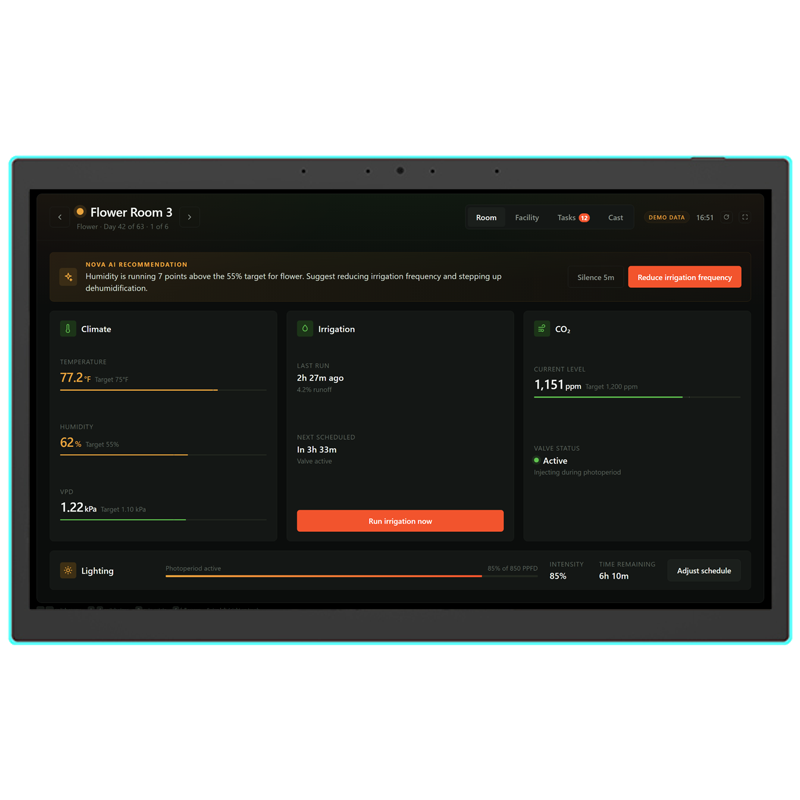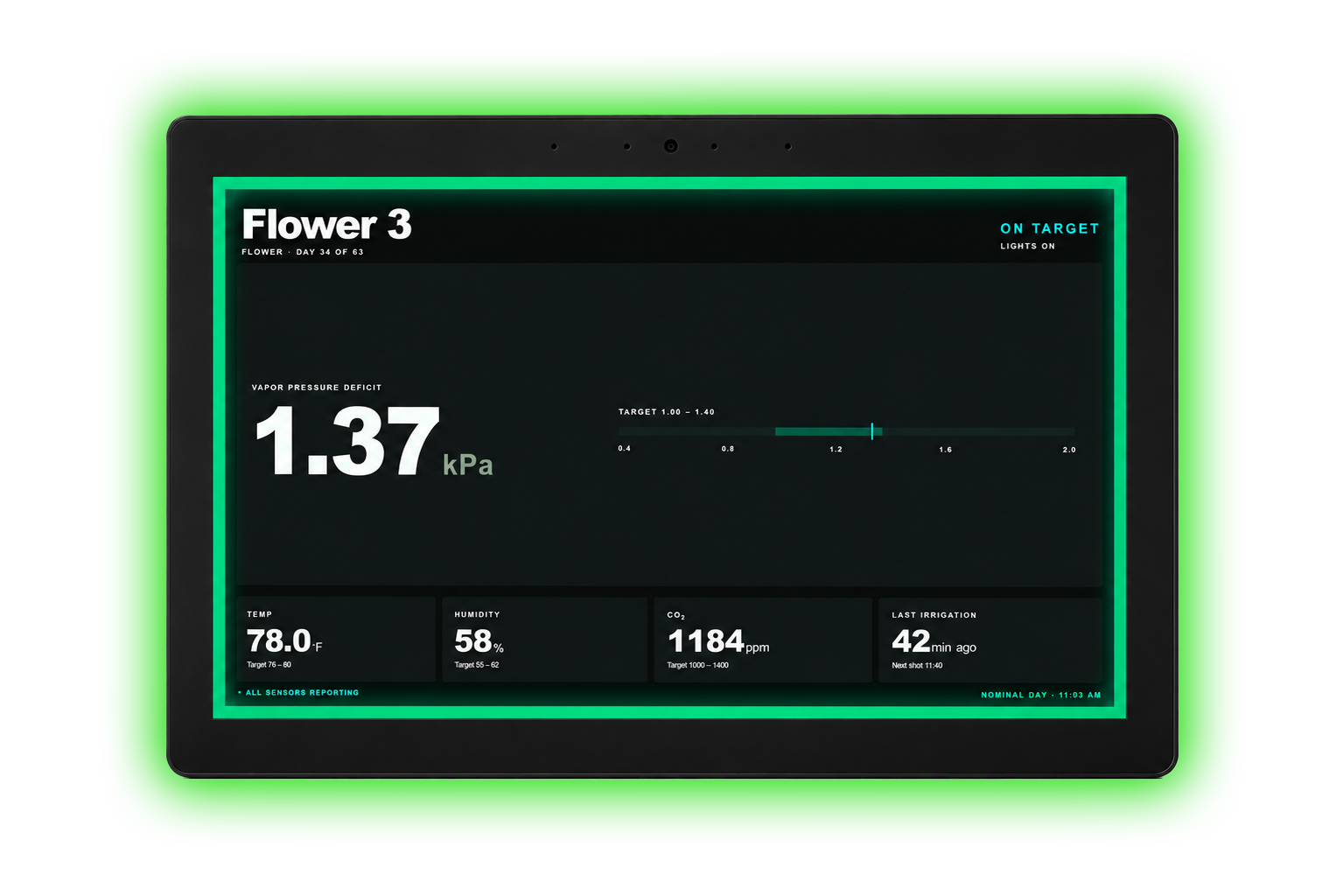
Describe what your rooms need. Nova builds it on your live facility data. Winning apps get featured for every Growlink facility, plus a displayLINK for the grow room wall.
Open to all Growlink customers on an Essentials plan or higher.
Builder is where you make apps. Nova writes them for you. No code required.
Open Apps in your portal and click Build with Nova. Describe what you need in a sentence or two. Nova builds it in minutes.
Click Save, then Share. Copy your Share ID.
Enter your Share ID and a screenshot using the submission form below by Fri, Nov 6, at 5 PM MT.
The Growlink team will select winners across four core categories, while the community votes for their overall favorite.
The app every operator wishes they'd built first.
Nobody saw this one coming.
Biggest potential to change how operators work.
For operators who have never built anything before.
Pure popular vote. Most votes wins.
Filter by category, then vote for your favorite. One vote per person, total.
These are example apps built by the Growlink team to show what’s possible with the Developer API. They’re not part of the competition and can’t be voted on — but you can launch them, plug in your own API key, and use them on your live facility data.
Updated in real time. Voting opens Monday, November 9, at 8 AM MT.
Share it with the community. Submissions are open November 2–6. All apps are reviewed before they go live.
Check out our quickstart guide to see how you can use Builder to make apps for your rooms without writing a line of code.
Read the guide
Every operation runs on workarounds. The spreadsheet someone rebuilds every Monday. The compliance log someone types up before every inspection. The Growlink App Builder turns them into apps on your live cultivation data.
Everything you need to know about Builder Week.
No. Builder is where you make apps. Nova writes them for you — just describe what you want. No coding required. If you want to go deeper, the full Growlink API is also available.
No. One submission per participant.
Yes. Apps must be built and submitted during the competition period — Mon, Nov 2, at 8 AM MT through Fri, Nov 6, at 5 PM MT.
A Share ID is a unique code that lets other Growlink operators install your app directly into their portal. To get one: build your app in the App Builder, save it, and click Share. The Share ID appears in the share dialog. Copy it and paste it into the submission form.
You can paste a URL to a screenshot instead of uploading a file. If you're having trouble with both options, email ted@growlink.com and we'll get you sorted.
Browse the app gallery above. Click Vote on the app you want to support. One vote per person, total.
Yes. Participants can vote for their own submissions.
Voting opens Monday, Nov 9, and closes Friday, Nov 13, at 5 PM MT. Winners are announced the week of November 16.
Every category winner gets a displayLINK ($499 ARV) and their app featured in the gallery. The Community Favorite also takes home a $1,000 Visa gift card. See all five categories.
No. Your app can only win one category.
Builder access is included with Essentials plans and higher. You must have an active commercial Growlink subscription in good standing at the time of submission.
Growlink employees can participate and submit apps but are not eligible to win prizes.
Email ted@growlink.com and we'll get you access right away.